


Art for Pattern Design Process
I can understand why designing on the iPad is so popular. It’s convenient, it’s incredibly versatile and the undo option is a blessing. But I just keep returning to paper and ink for my own art process. I love the experimentation and the irregularity of ink flowing across the paper. The imperfections that result are part of the creative process and so far I haven’t found a great way to replicate them digitally. I’m sure there’s a digital brush that could offer a degree of this imperfection, but the process of figuring that out disrupts the creative exploration and flow.
My creative workflow for pattern design may change someday, and that’s fine, but this is how I work:
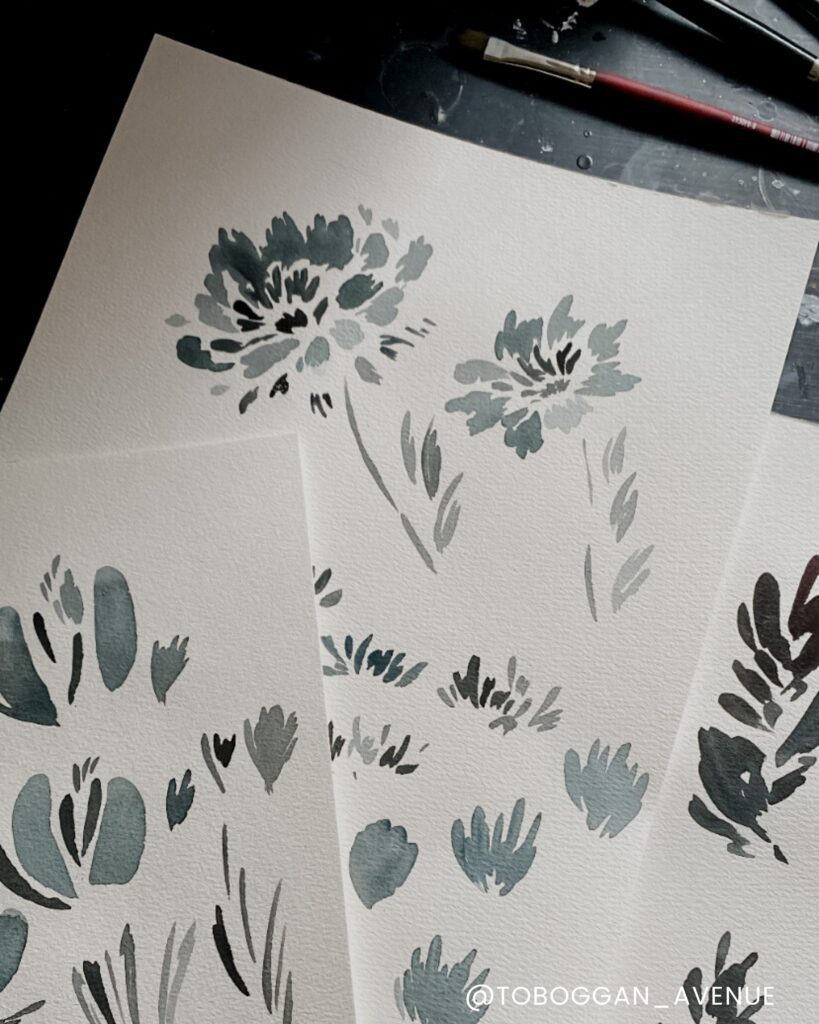
Art in Process: Making Marks
The process of creating art begins with marks on a blank page. Usually, the first marks aren’t good and won’t be kept, but as I continue, the ink flows and an idea starts to take shape. Keep going, keep following the idea without forcing it. Ideas are often fleeting and can easily disappear. Usually, I end up with a whole page or several filled with similar shapes, each one a unique expression of this creative process.
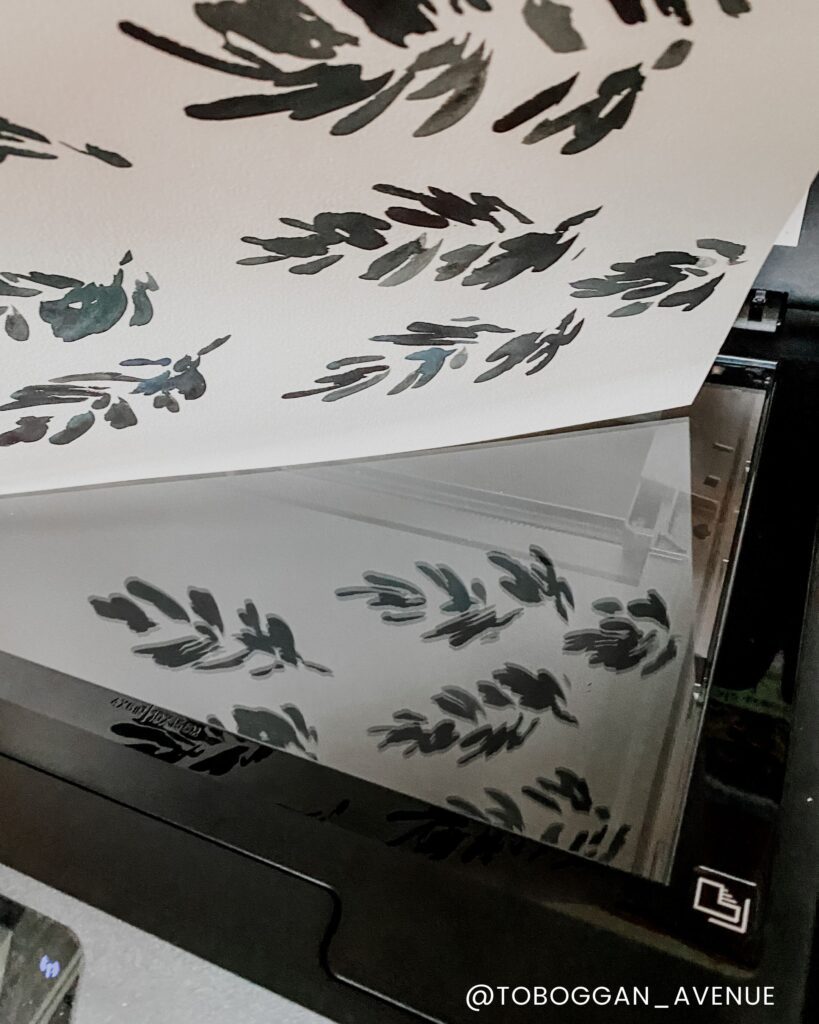
Art in Process: Scanning
These multiple pages of marks and paintings are scanned and placed in Illustrator. I only keep the ones that transfer well to a digital image. Not everything translates into vectors, and that’s ok! The ones that are kept are modified further until they become a pattern, illustration, or product. This process allows me to refine my work and bring a vision to life.
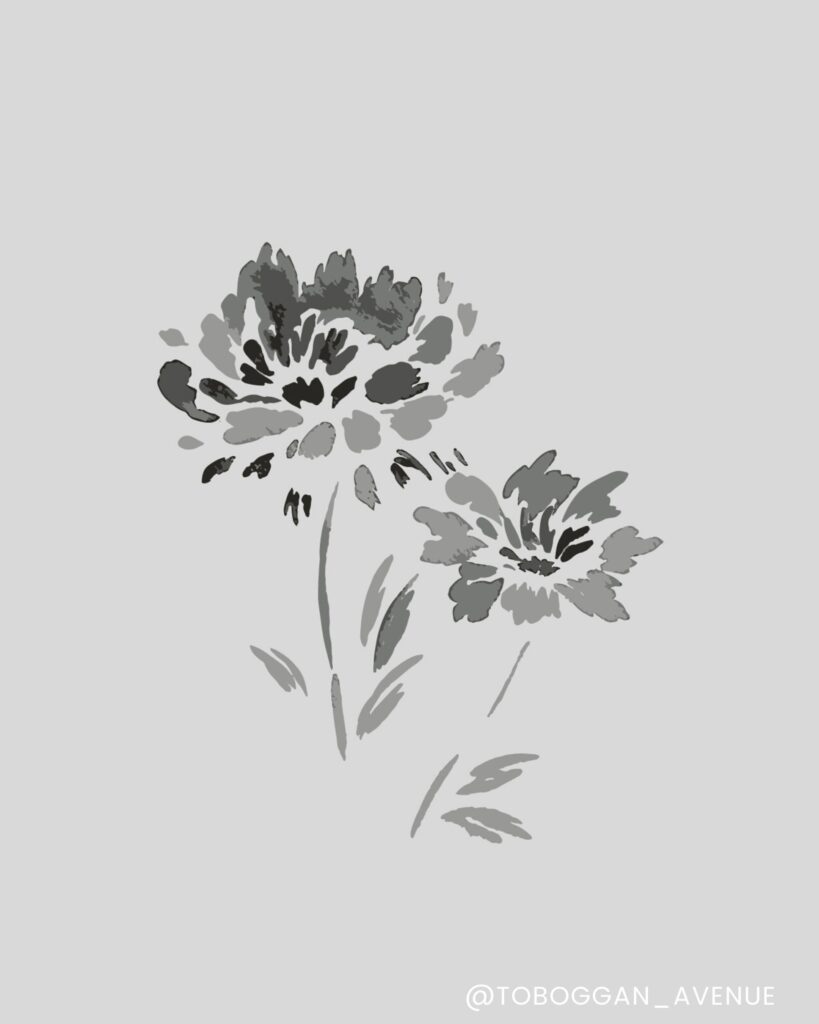
Versatile Digital Designs
The beauty of combining the process of physical art with digital is the ability to transform a single mark into a multitude of designs. A single flower painting can be transformed into a standalone illustration, incorporated into a larger repeating pattern, or deconstructed into shapes to be used in an entirely different place. The possibilities are endless, and the process of creating art becomes a journey of exploration and experimentation. Trial and discovery.
The Part of My Workflow That Doesn’t Fit in a Flowchart
When I first created this workflow, I assumed my biggest productivity problem was my process.
It wasn’t.
Most days, I already knew what I needed to work on. What slowed me down was sitting down at a workspace that felt cluttered, unfinished, or visually distracting.
Why Your Workspace Affects Your Creative Workflow
I’ve learned that creative momentum starts long before you open Illustrator. It starts with the environment you’re working in.
Even spending 15 minutes intentionally resetting my desk changes how focused and creative I feel. That’s exactly why I created my free 15-Minute Branded Workspace Reset Guide. It’s a simple walkthrough to help you refresh one small area of your workspace so it supports your creativity instead of competing with it.
When your environment supports your creativity, it’s easier to start, easier to stay focused, and easier to actually finish projects. Once I started intentionally styling and resetting my workspace—even for just 15 minutes—I found myself getting into creative flow much faster.


Read the Comments +